
One idea · one finished book
Write it once,sell it for years
Tell the studio what you know and who it's for. It outlines, writes with you chapter by chapter, draws a KDP-size cover and hands you PDF, EPUB and DOCX — ready for Amazon, Gumroad or your email list.
Start free · no card· Ten short questions, then your outline· PDF, EPUB, DOCX and a KDP-size cover· Translations, series and the KDP listing


How it works
From a sentence to something worth reading
Step 01
Give it the idea.One sentence is enough.
Step 02
Watch it being written.Sentence by sentence.
Step 03
Read it, then export.PDF, EPUB and DOCX.
Inside the studio
The parts other generators leave for later
Writing is only half the job. Structure, revision and export are where a document becomes a book.
Structure
A real book structure.Chapters, subheads, contents.
One sentence becomes a titled, chaptered plan — front matter, subheads and a table of contents that stays in sync.
Cover
A cover engine.Not a cover prompt.
Four layouts, eight palettes, optional wordless artwork. The title is set in real type, not painted by an image model, so it is always spelled right. Exports at KDP’s 1600 × 2560.
Revision
Rewrite by chapter.Keep what already works.
Rewrite the chapter that is not working and leave the rest untouched. Every chapter stays editable on its own, at about 6,000, 10,000 or 15,000 words, in your reader’s language.
Export
Three clean files.Only the chapters you wrote.
A structured EPUB, a paginated PDF and an editable DOCX from the same draft. Unwritten chapters stay out of the file.
Before and after the chapters
The book is the middle of the job
Where the words come from, what the finished book turns into, and what Amazon's form asks once the files are uploaded — the studio does those too.
Your material
Build it from what you already wrote.
Paste notes, a course transcript or your posts — a .txt, .md or .docx works too. The outline and the chapters come from your material and stay inside it — nothing is made up to fill the gaps.
Series
The next book, briefed from the last.
One click on a finished book opens the brief for book two: same reader, voice and language, and an outline that picks up where the first book stopped instead of repeating it.
Translations
An edition in 8 languages.
A translated edition is a new book on your shelf — titles first, then each chapter from the original, cover included. On KDP that is a separate listing with its own royalties.
Listing pack
Everything the KDP form asks after the files.
Three title options, a description in the HTML Amazon renders, seven search keywords, category suggestions and the closing page (about the author, where to go next) — all written from the finished chapters, editable, saved with the book.
Pre-flight
What the upload will refuse, before you upload.
Title length, banned words, description limit, keyword count, cover size and the AI declaration Amazon requires — checked against KDP's own pages, each dated so you know how current it is.

Start
An idea or your own notes in. A finished, listed book out.
Create your first bookPage by page
Turn the pages of a finished export
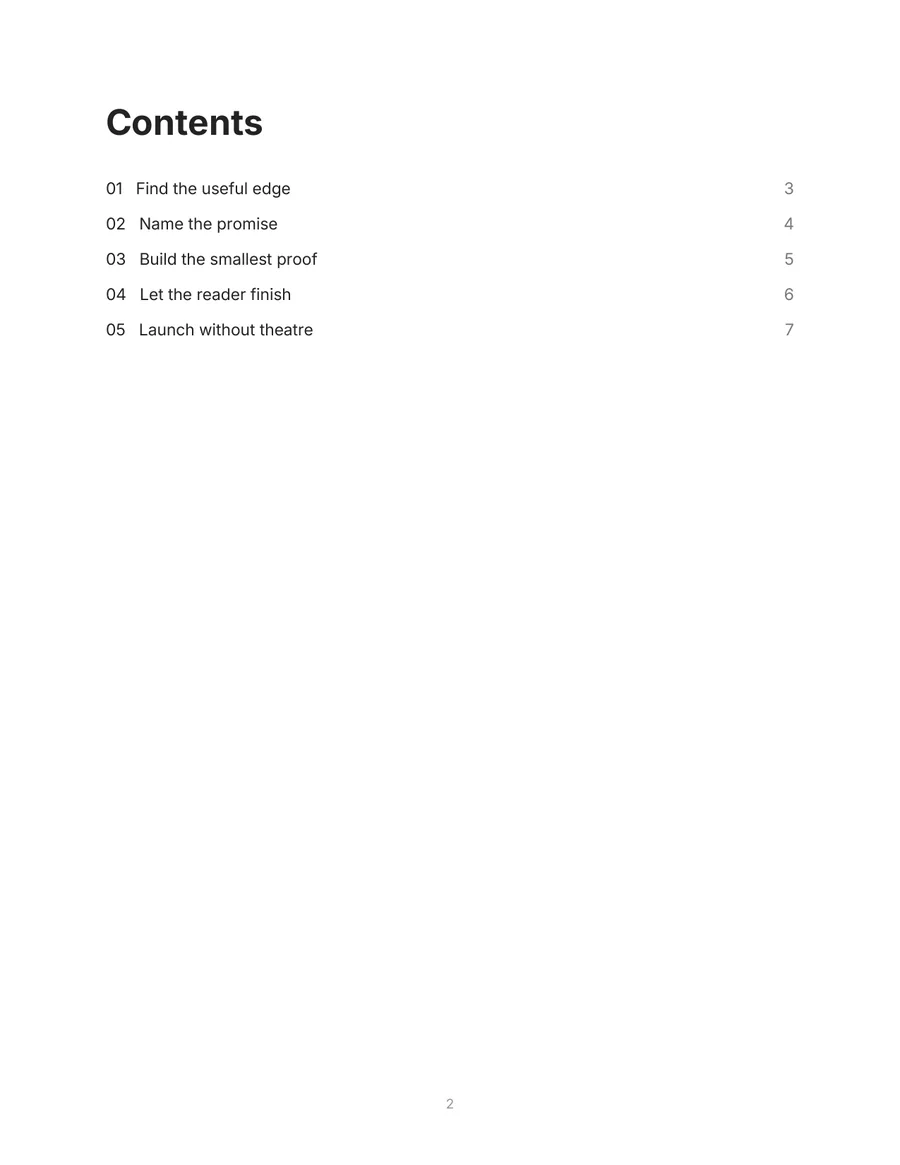
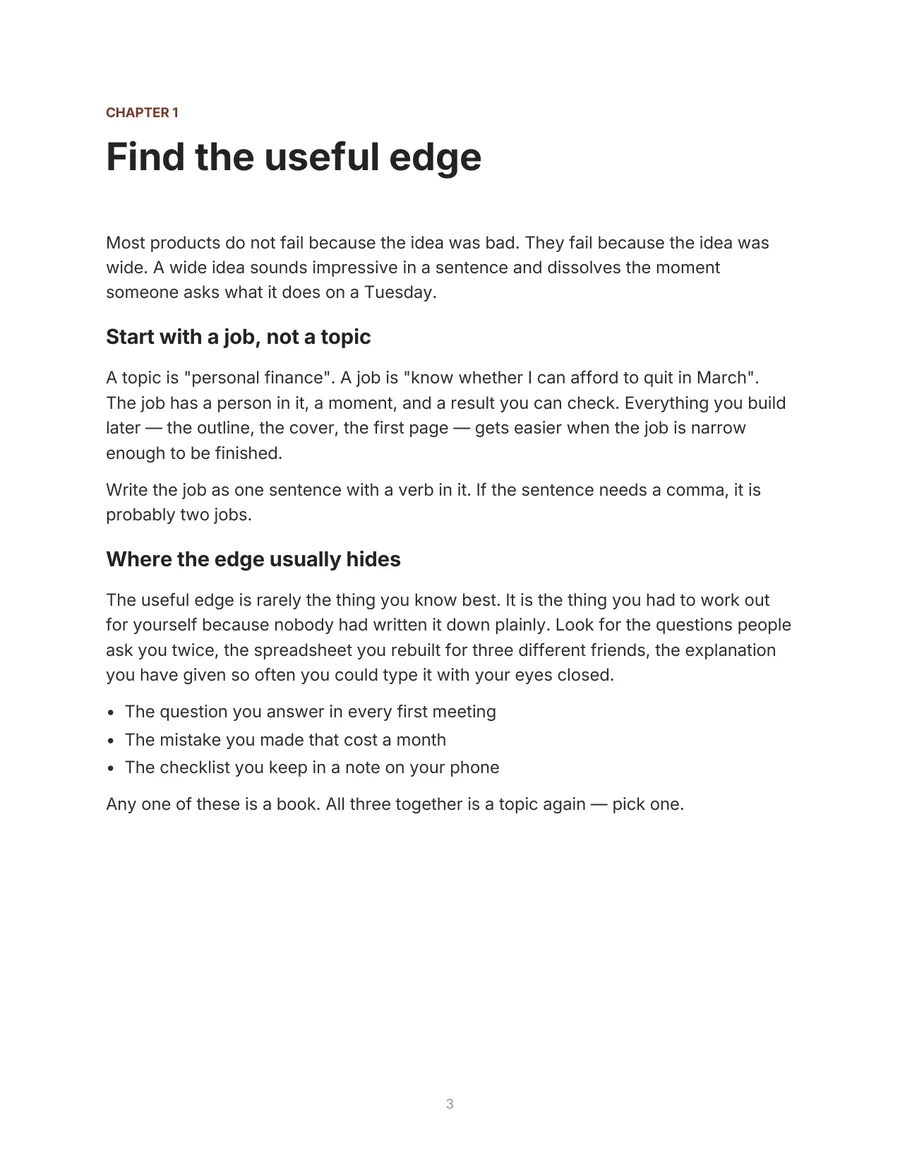
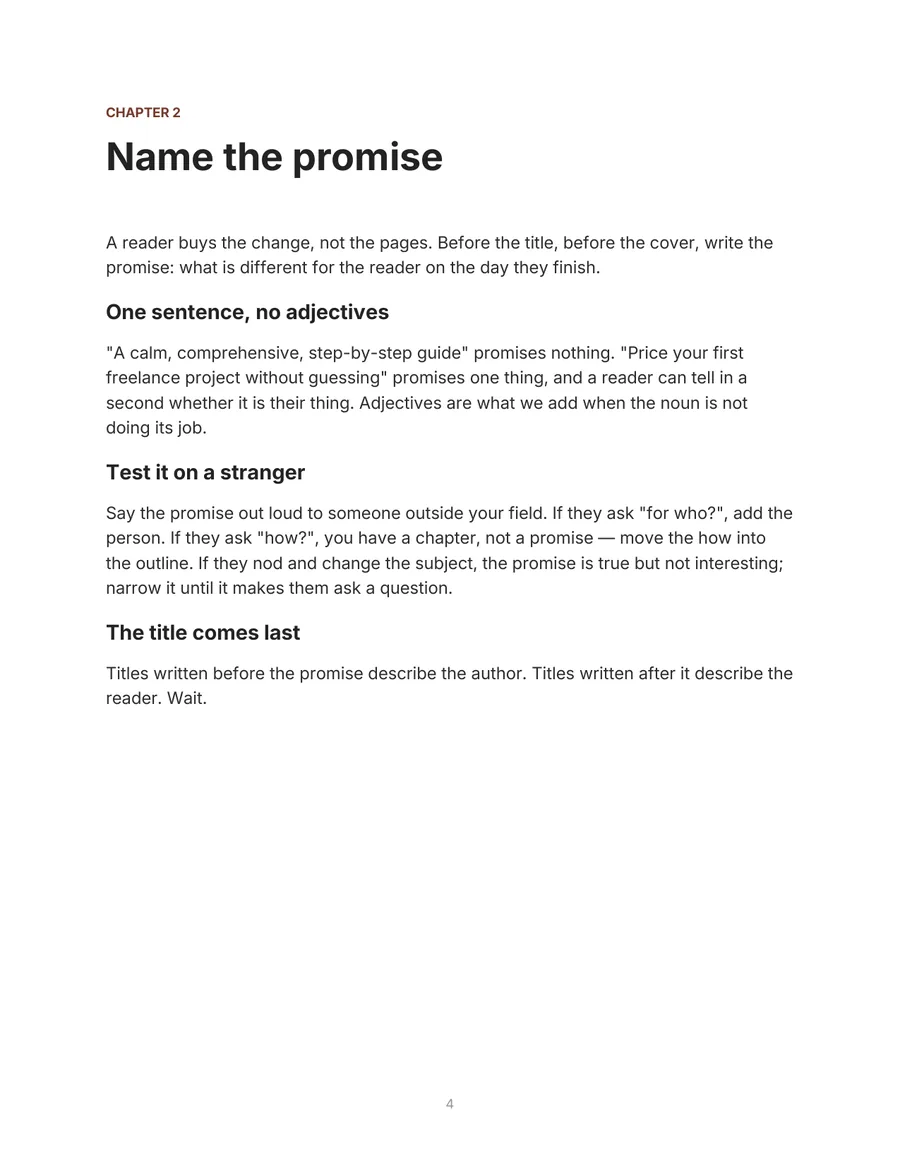
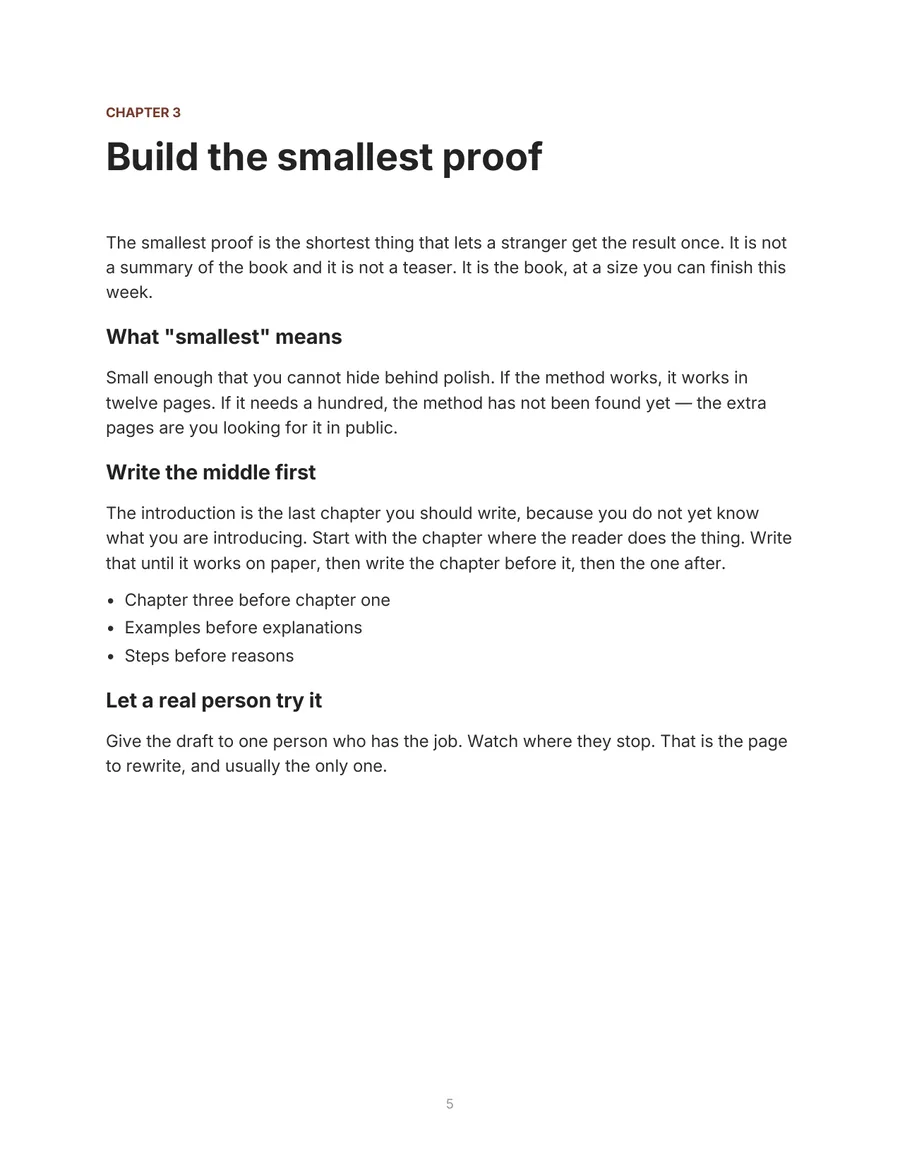
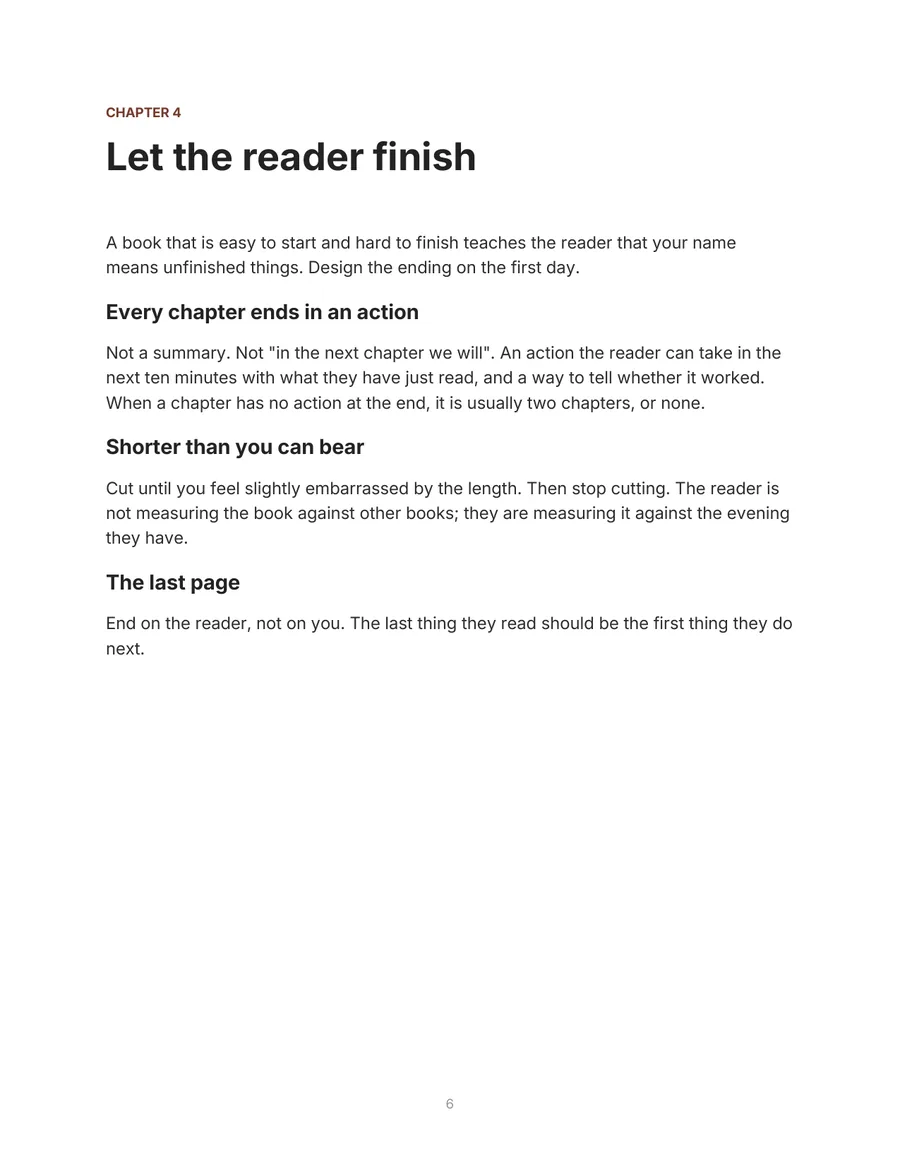
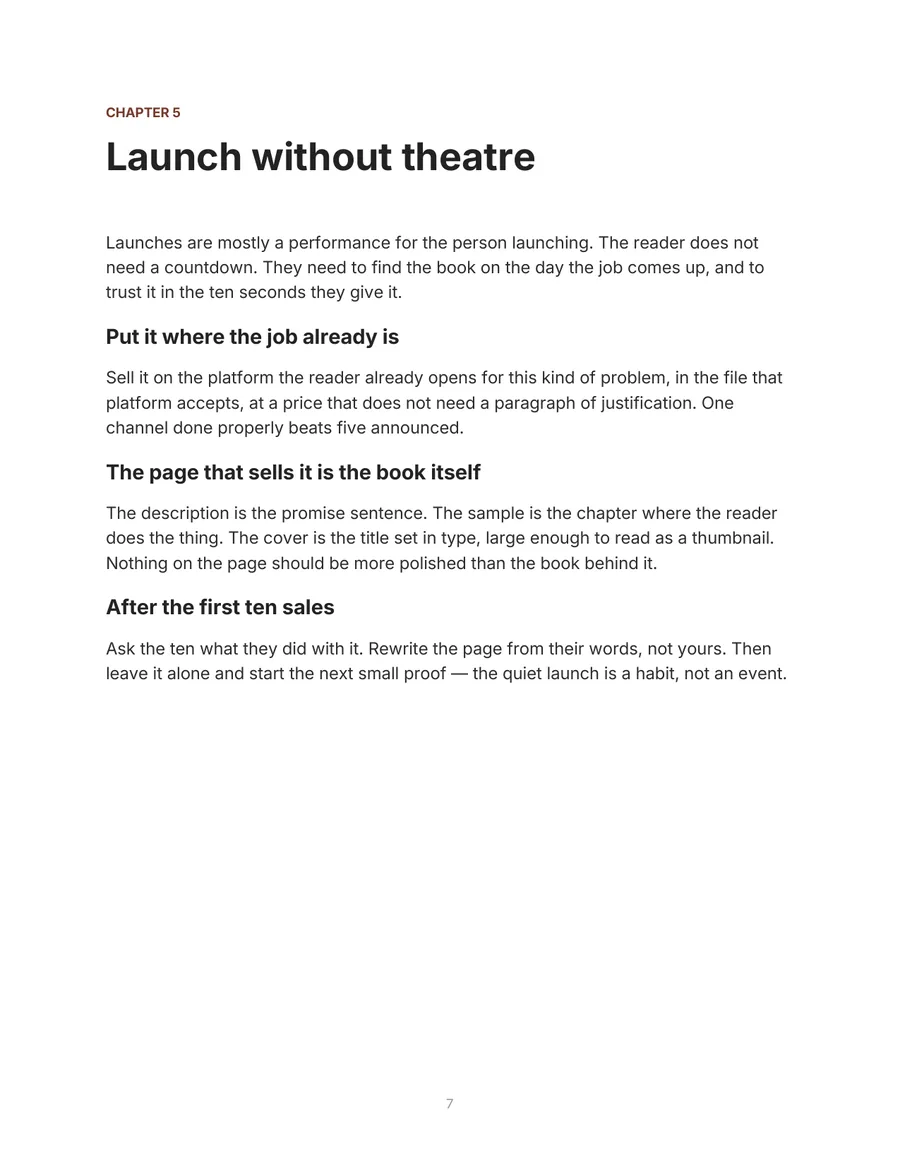
A short sample book, exported the way yours will be: the cover, a contents page whose numbers are real, a chapter opener for each chapter, a folio on every page. Drag a corner or use the arrows. Every page is exactly as the studio exported it.
- Exported the same way your book will be
- Cover in the Artwork layout, where the picture carries the title
- Letter pages, embedded Inter, a table of contents that stays in sync
- Chapter labels pick up the color of the cover palette
- 5 chapters, 907 words — a lead-magnet length
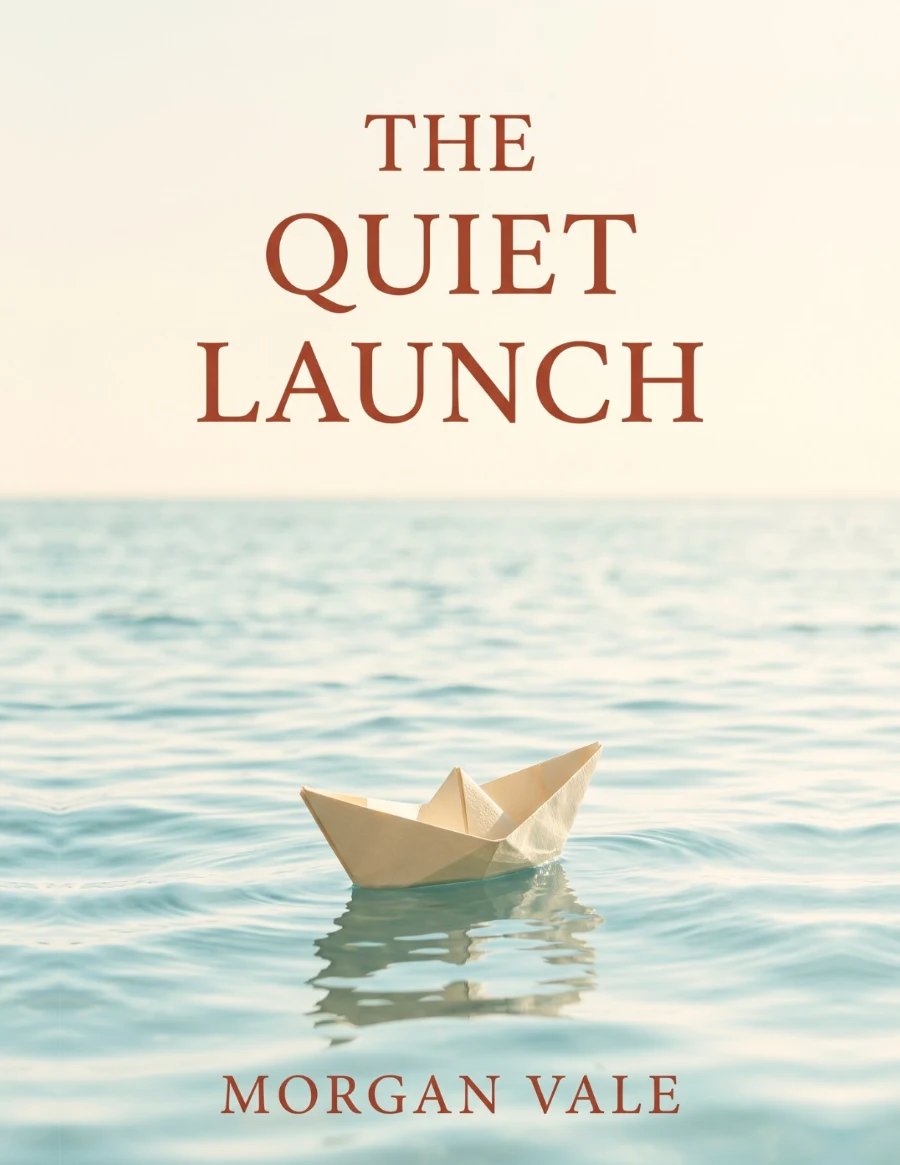
The Quiet Launch
Letter PDF · 5 chapters, 7 pages
Distribution
Write it here. Sell it anywhere
Every export gives you PDF, EPUB and DOCX — the files these stores ask for on upload. Make the book once, list it on the ones you sell on.
- Amazon KDP EPUB · DOCX
- Apple Books EPUB
- Kobo EPUB
- Google Play Books EPUB · PDF
- Etsy PDF
- Gumroad PDF · EPUB
- Payhip PDF

Why a book
“A book you finished in one evening is still for sale at three in the morning, in a time zone you have never visited.”
A post leaves the feed in a day and a course needs you in the room. A book is the one thing you make once that keeps introducing you — to a reader who found it on Amazon, a subscriber who traded an email for it, a client who read it before the first call. The studio's job is the part between the idea and the file. What it sells for, and to whom, stays your decision.
Start with a question
Practical answers for the next decision
How do I write an eBook?
A start-to-finish sequence from reader promise to export.
Read the answerHow do I find a useful idea?
Score the reader, outcome, demand and your useful difference.
Read the answerHow do I make money with eBooks?
Revenue models, real costs and a measurable break-even point.
Read the answerWhere should I sell an eBook?
Compare discovery, control, fees and channel restrictions.
Read the answerHow should I price an eBook?
Turn reader value and channel economics into a test price.
Read the answerHow long will writing take?
Plan drafting, research and revision as separate blocks.
Read the answerAlready writing with something else? How the studio compares with ChatGPT, Scrivener, Atticus, Sudowrite and eleven more — what each starts from, what happens after the draft.
Twelve starting formats
The structure follows the job of the book
Lead magnet
A concise, useful reason to join your audience.
See the formatHow-to guide
A practical sequence from problem to outcome.
See the formatWorkbook
Prompts and exercises readers can act on.
See the formatCourse companion
A structured reference beside your lessons.
See the formatResearch report
A clear narrative around reviewed evidence.
See the formatNovel
A chapter plan and editable long-form draft.
See the formatMade for your work
Expertise is more useful with a finished shape
Start with what your reader needs to do next, then choose a book format that supports that decision.
For authors
Plan and revise one coherent manuscript.
See the workflowFor coaches
Turn a repeatable method into a client-ready asset.
See the workflowFor consultants
Package expertise into an authority guide.
See the workflowFor course creators
Build a useful workbook around the curriculum.
See the workflowPricing
Build the whole book. Decide after you see it.
A plan is a number of books a month — each one the outline, every chapter with rewrites, three cover artworks and the files. During early access every account runs as Studio, free. The prices are published now so there are no surprises later.
Free
Free· no card
One book to see how it writes
- The outline — title, chapters, the plan
- The first two chapters, written with you
- Saved to your account, editable any time
Studio Planned launch price
$29/ month
3 books a month · first month $14.50
- Every chapter written and rewritten with you
- Built from your own material — notes, posts, a course (.txt, .md, .docx)
- Three cover artworks per book
- PDF, EPUB and DOCX, ready for KDP
- KDP listing pack: description, seven keywords, three categories
- Pre-flight check against KDP's rules before you upload
- Translated editions and series, one book each
- Cancel any time
Studio Plus For a shelf
$49/ month
8 books a month
- Everything in Studio
- 8 books a month instead of 3
- Room for a series: book after book from the same brief, in one month
- Room for translated editions — each one a book of the allowance
- Client work: several books in flight at once
- Yearly $349 — $29.08 a month
- Switch from Studio any time
Run out mid-month? one more book for $9, or ten cover artworks for $5 — bought once, never expire.
- Yours to sell
- Every export is yours — list it on KDP, Gumroad or your own site. The studio keeps no rights.
- No card to start
- An email address and a sign-in link. Early access is free: make a whole book, then decide.
- Saved as you go
- Books are kept in your account from the first outline, so a draft started on one device opens on another.
- Cancel any time
- Studio is $29 a month for 3 books, less on a 3- or 12-month plan. Every plan renews until you cancel; cancelling stops the next charge. Need one more book? $9, any time.
A $9.99 book on KDP pays about $6.99 a copy at the 70% royalty, so 5 copies a month cover Studio. Sold from your own site at the same price, it's 3.
Questions before you start
Can I edit the generated text? +
Yes. Titles, chapter summaries and every paragraph remain editable. You can also rewrite one chapter without replacing the rest.
How long is a book? +
You choose the target: about 6,000, 10,000 or 15,000 words. The studio writes chapter by chapter, so a short lead magnet and a full-length guide come out of the same outline.
Which files can I download? +
PDF, EPUB and DOCX, from the same draft, plus the cover as a KDP-size JPEG. Only chapters with written content are included.
Who owns the book? Can I sell it? +
You do. Everything you export is yours to publish, sell or give away on any store or from your own site — the studio keeps no rights in it. What stays with you is the responsibility: check the facts, the rights and the rules of the marketplace before you publish.
Do I have to tell Amazon the book used AI? +
On KDP, yes when the AI wrote the first draft — Amazon calls that AI-generated and asks for a declaration at publish time, even if you edited it heavily afterwards. Content you wrote yourself and only refined with AI needs no declaration. Read the KDP guideline before you upload; the rule is Amazon's, not ours.Read the full answer
Does it work in languages other than English? +
The brief and every chapter can be in English, Turkish, Spanish, German, French, Portuguese, Italian or Dutch. A finished book can also be translated into any of them as a separate edition — a new book on your shelf, chapter by chapter from the original. Amazon asks you to declare AI translation on upload, like AI text.
Can I start from my own notes or transcript? +
Yes. Tick “Build it from my own material” in the brief and paste the text or choose a .txt, .md or .docx (up to about 10,000 words). The outline and the chapters are then made from that material and stay inside it. Whether that counts as AI-assisted rather than AI-generated is Amazon's call under its own definitions; the pre-flight quotes them.
What is the listing pack? +
The part of KDP's upload form that comes after the files: title options, a description in the HTML Amazon renders (under 4,000 characters, tags counted), seven search keywords, category suggestions and the closing page — about the author and the reader's next step. It is written from the finished chapters and saved with the book, so you can edit it like a chapter. Categories are suggestions to confirm in KDP's browser; the limits are read from KDP's pages and dated.
Do I need an account or card? +
An email address, no card. You sign in with a link — no password — and your books are saved to your account, so a draft started on one device opens on another.
What happens when early access ends? +
Your books stay where they are, and the prices on this page are the ones that will apply. No card is on file, so nothing is charged until you choose a plan.
Is the result ready to publish without review? +
No generated manuscript should be published unseen. Review accuracy, rights, claims, formatting and the current rules of your chosen marketplace.